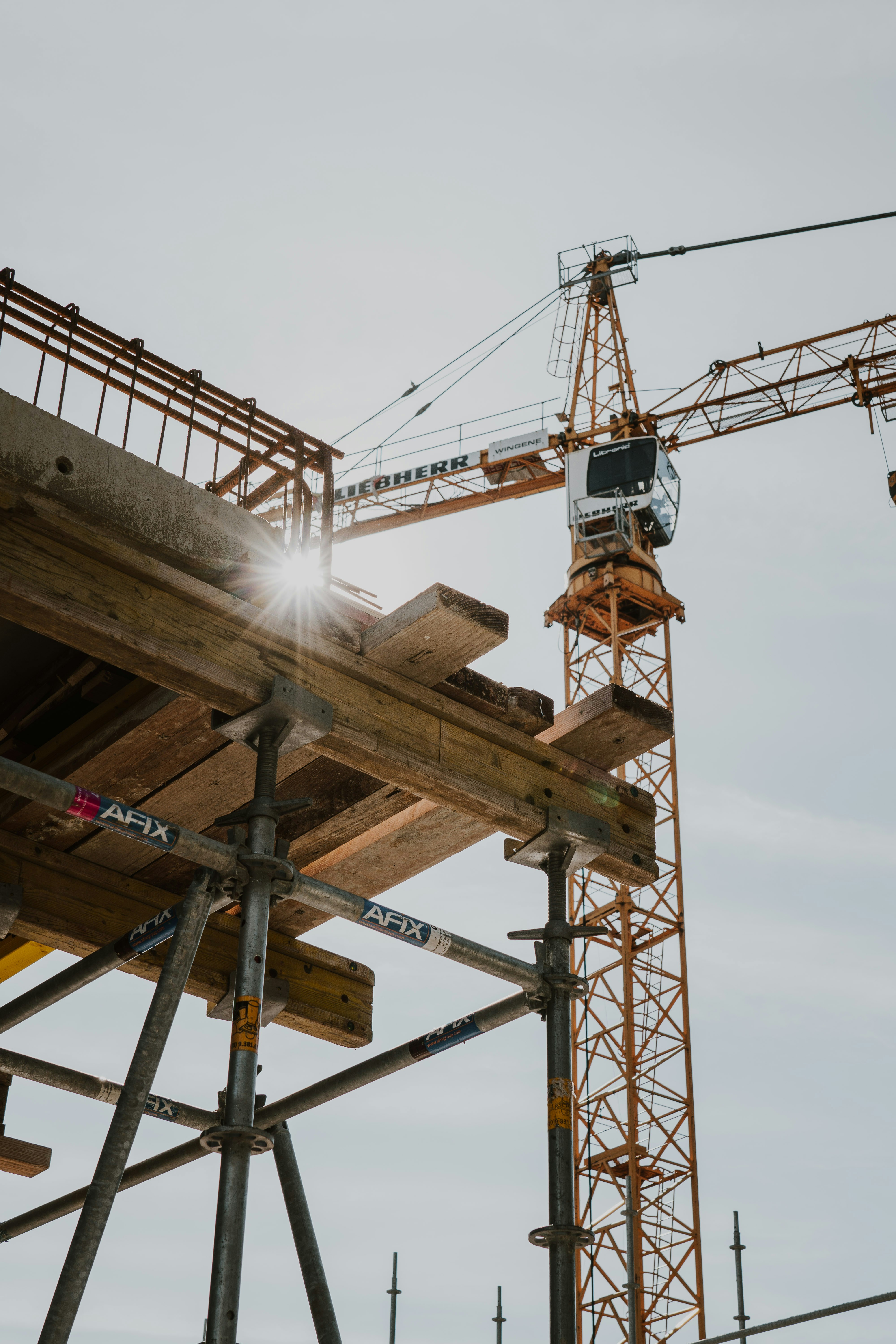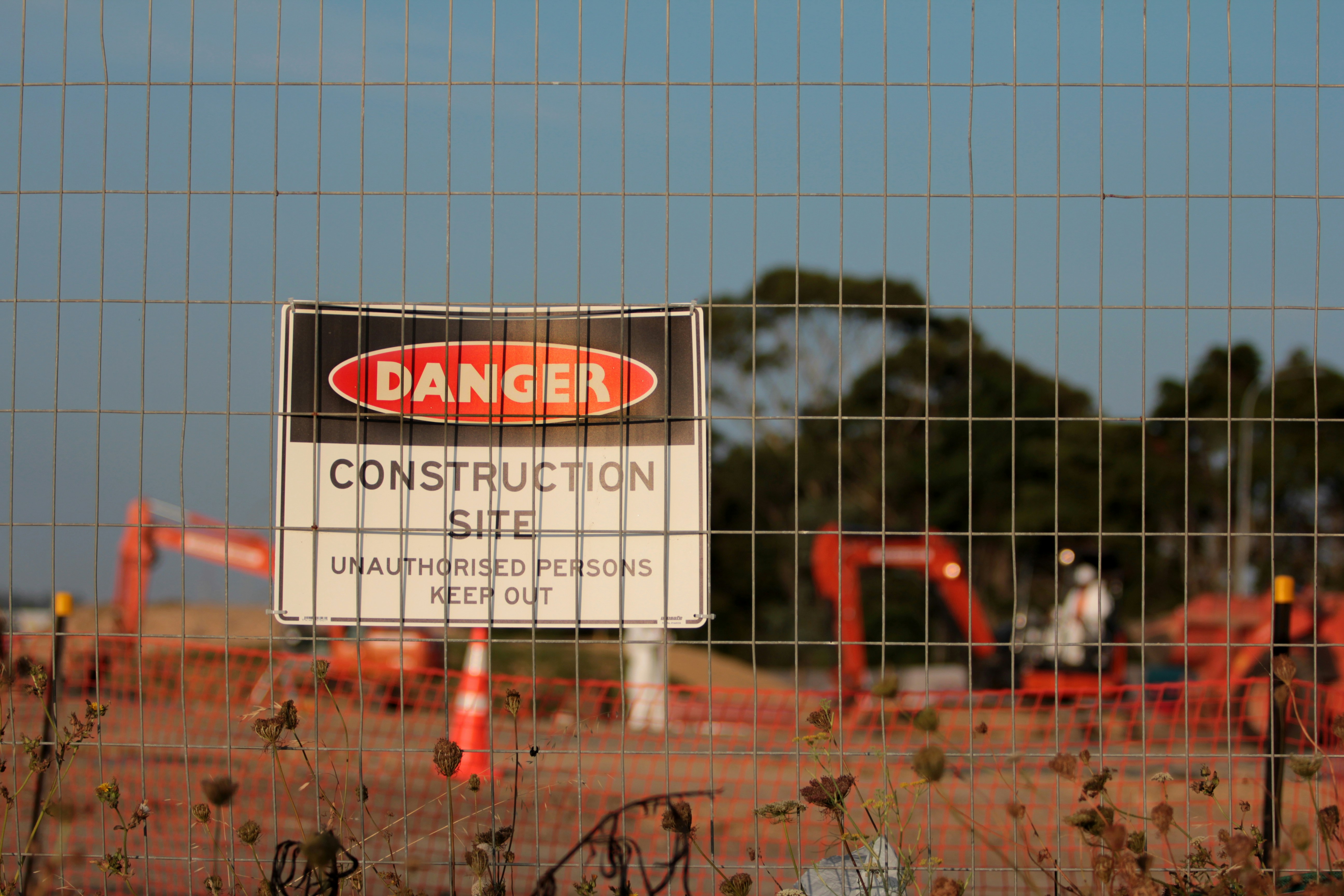
Safety inspection software should help people in the field, not slow them down. When crews are working long summer days in the heat, surrounded by dust, noise, and moving equipment, nobody has time to fight with clunky apps or checklists that do not match the job.
We see this gap all the time. The software looks clean in a conference room demo, then falls apart when the signal drops, gloves are on, and deadlines are tight. In this article, we will walk through how to rethink safety inspection software around real hazards, real workflows, and real seasons, so your tools actually lower risk instead of just creating digital paperwork.
Where Safety Software Goes Wrong in the Field
Most problems start when tools are built for screens and dashboards, not for dirt and concrete. That is when safety inspection software starts getting in the way.
Common issues we see include:
• One-size-fits-all checklists that ignore site conditions
• Slow, awkward apps that push people back to paper
• Data that is stripped of context, like location or equipment
• Forms built around compliance first, hazard control second
• Seasonal risks missing from core templates and risk scoring
Generic checklists are a big culprit. When the same form is used for hot work, crane lifts, and a quiet warehouse walk, inspectors end up skipping fields, typing “N/A” everywhere, or doing their own side notes on paper.
Then there is field usability. If an app takes too long to load, does not work offline, or needs ten taps for one answer, people stop trusting it. Once that happens, actual hazards can slip through the cracks.
Building Checklists Around Hazards, Not Paperwork
A better starting point is hazard first, paperwork second. That means building your digital forms around your real risk register, not just a regulation list.
Some practical steps:
• Start from your top hazards: falls, struck by, line of fire, mobile equipment, lockout/tagout, hot work, energized work, heat stress
• Map each hazard to clear checks, like guardrails in place, clear swing radius, correct tags and locks, or shade and water available
• Add conditional logic so people only see what matters based on the work in front of them
For example, if the inspector marks “work at height = yes,” the software should open extra questions on:
• Anchor points and tie-offs
• Guardrails and toe boards
• Fall clearance and drop zones
• Rescue plan and gear
Context matters just as much as the answer. For higher-risk items, it helps to require:
• At least one photo of the setup or issue
• Short notes or readings for critical steps
• Tags to location, asset, job step, or contractor
Seasonal conditions should show up too, especially in summer when heat, sun, and longer shifts are common. Simple checks like “shade available,” “potable water within reach,” and “work-rest schedule in use” can make a real impact.
All this only works if forms are fast in the field. That means:
• Minimal taps and scrolling
• Logical order that follows how people walk the job
• Large buttons that work with gloves
• Voice-to-text notes for quick comments
Making Reporting Useful for People on the Ground
Reports should help people decide what to fix first, not just store finished forms in folders. When safety inspection software is set up well, it can turn field checks into clear, simple direction.
Focus on:
• Turning findings into tasks automatically
• Routing each task to the right supervisor or team
• Including photos, notes, and hazard tags in the task
• Tracking due dates and completion in one place
Dashboards do not have to be fancy. Most field leaders want to see:
• Where the same issue keeps happening
• Which areas or contractors repeat violations
• Which hazards are rising, like heat-related notes during afternoon shifts
• Which corrective actions stay open the longest
AI can help here, as a support tool, not the decision maker. It can pull out common phrases from comments, group similar hazards, or draft short weekly snapshots of key issues. Human supervisors still set priorities and decide what to do next.
Closing the loop is just as important. If crews report a loose guardrail and see it fixed, or call out heat issues and see new shade tents, they learn that the system is worth their time. That builds better reporting over time.
Designing Safety Workflows for Real-World Constraints
Real sites are messy. Tools have to expect bad signal, bright sun, noise, dirt, and very short breaks between tasks.
Good field workflows usually:
• Work fully offline and sync quietly in the background
• Launch fast on mobile, with clear, simple screens
• Tie inspections to jobs, work orders, or routes
• Support quick access using QR codes, asset tags, or geolocation
Team-based inspections are common, especially on larger or higher-risk work. The software should let:
• Multiple people add notes and photos to one inspection
• Different roles sign off at different times
• Everyone see the latest version without confusion
Regulatory rules rarely stand alone. Most sites juggle OSHA requirements, internal company rules, and client-specific standards. Conditional sections and templates by job type keep this from turning into a giant one-hundred-question form every time.
Seasonal peaks and shutdowns add more pressure. During busy summer projects with rotating contractors, batch scheduling, reminders, and standard forms by task help keep inspections from getting lost in the chaos.
Turning Field Feedback Into Continuous Improvement
The people doing inspections know very quickly when a form does not match reality. The trick is giving them a simple way to say so and then acting on it.
Helpful steps include:
• Quick “this form does not fit” flags inside the software
• Options to mark questions as “missing hazard” or “too many questions”
• Regular reviews before summer and winter to tune forms
Data from inspections can guide where to focus next. Look at:
• Findings that show up over and over
• Corrective actions that stay open the longest
• Areas, jobs, or contractors with repeat issues
Bring supervisors and operators into this review. Use simple reports in field huddles and ask, “Does this match what you are seeing?” If the answer is no, adjust the forms.
AI insights can give a starting point. Automated themes or risk flags are useful prompts for safety meetings, as long as final calls stay with people who understand the site.
Start With One High-Risk Workflow and Do It Right
Trying to fix every inspection at once is a fast way to stall. A better approach is to pick one high-risk area, rebuild it well, prove it works, then expand.
Good candidates are:
• Crane and lifting operations
• Confined space entries
• Hot work permits
• Summer heat stress checks on busy outdoor jobs
Map this workflow end to end. From pre-job planning to the field checklist, to tasks and follow-up, look for places where paper, delays, or missing data raise risk.
Then pilot with real crews. Watch how they actually use the new inspection, listen to what they skip, and what they like, and refine until it fits into daily work without a fight. Once that flow feels natural, bring the same approach to your next set of high-risk tasks.
At Array, we build safety inspection software around these real-world constraints, so inspectors, operators, and managers can rely on their tools when conditions are tough and hazards are real.
Transform Your Safety Inspections Into a Streamlined, Reliable Process
If you are ready to move away from manual checklists and scattered records, our safety inspection software can help you create a consistent, audit-ready workflow. At Array, we design tools that make every inspection faster, more accurate, and easier to document. Tell us about your current inspection process and we will work with you to build a solution that fits your team. If you have questions or want a personalized walkthrough, contact us today.