Fire Alarm Inspection Software
IOS & Android App, no internet connection required. NFPA forms included and no payment information required for your 30 day free trial.

.svg)







Conduct fire alarm inspections from anywhere
Array is a mobile-first application that allows you to digitize all elements of your fire alarm inspections. As NFPA 72 inspection software, Array lets your team capture photo and video evidence, generate reports and collaborate across working teams, all from one easy-to-use app that works with no internet connection required.
Build your fire alarm inspection forms in minutes
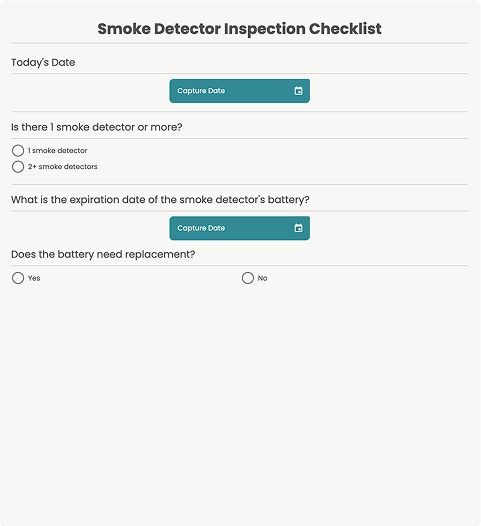
Our powerful, simple to use form builder allows you to edit your form or build your own from scratch.
Start with our Annual Fire Alarm System Test Form template, divided over 5 pages, each covering a section of the alarm inspection.
Automatically generate the NFPA 72 report document as soon as the fire alarm inspection is complete.
Automate follow-ups to get the job done
Create workflows to trigger automated notifications, tasks or emails when a fire alarm inspection form has been submitted. Assign a follow-up task to resolve a flagged item, set the due date and priority level, then assign it to the person who should address the situation, even if they don't have an Array account.
Generate and share custom reports
Instantly generate the NFPA 72 report document as soon as an inspection is complete. Each form is paired with a PDF, personalized with your company logo and color scheme, so you can share it with your team, managers, clients or customers with the tap of a finger.
Communicate with your team
Share your fire alarm inspection form with your team via an email or link. You can also share a QR code which will open the form when scanned, or use Formview, our live video and form collaboration tool, to communicate in real time.
Make under-reporting a thing of the past
Empower anyone to capture what they see and instantly flag issues found during a fire alarm inspection. Create smart forms which pre-populate via data calls and include dynamic sections which only appear when required, so your team can skip over-complicated forms and report right from the app or via QR code.
View performance and trends
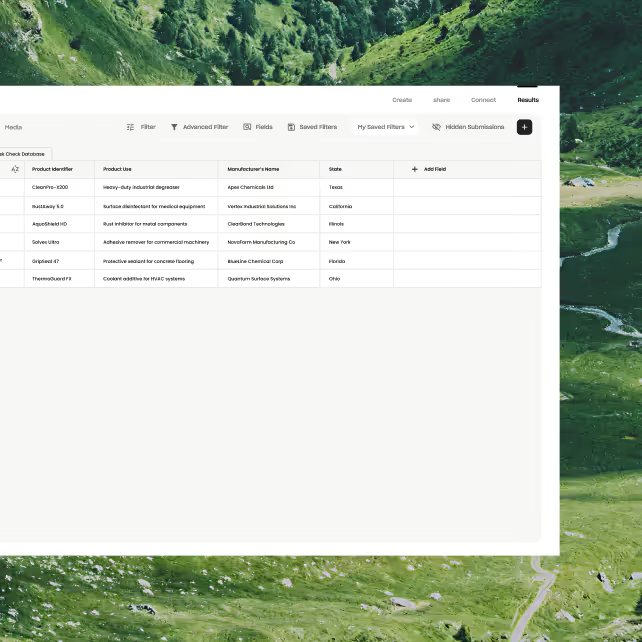
Automatic syncing between mobile devices and desktop platforms provides real-time reporting dashboards. View inspection data as it is collected, and create custom reports showing where and when fire inspections took place, along with the name of the inspector.
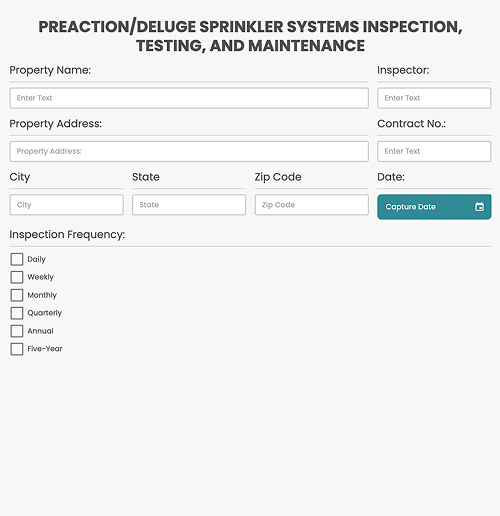
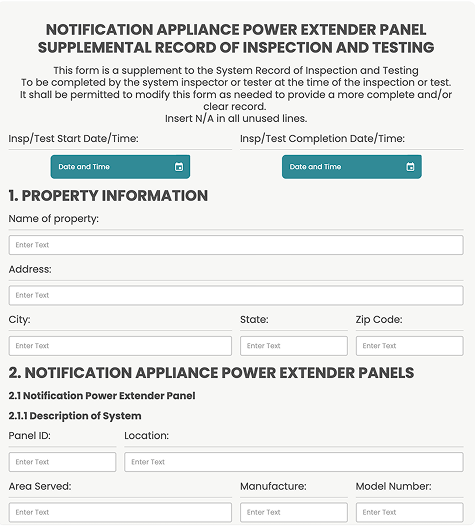
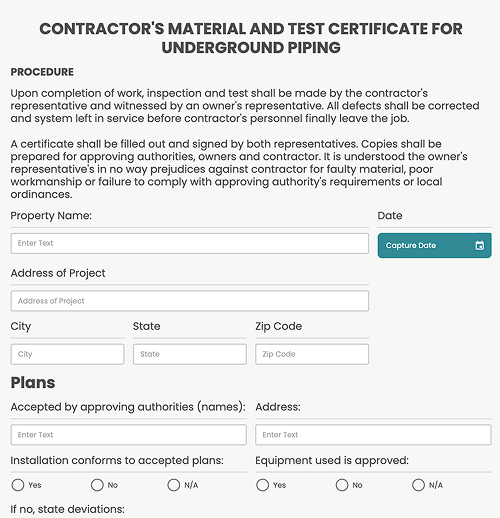
Top Forms for Fire Inspection






Do even more with Array
Connect to your favorite tools and customize your team setup to match your unique needs. Array integrates with the systems you already use, helping teams work more efficiently without compromising quality or safety.

Team Managment
Protect sensitive information by assigning user access levels to match the structure of your organization. Multi-factor authentication adds an extra layer of security when your team logs into Array.

Integrations
Save time by pre-populating data from previous fire alarm inspections using cloud storage and spreadsheet integrations.
%201.svg)
Dashboards
Get visibility into inspection compliance, accuracy and productivity with real-time dashboards for your whole team.

Automations
Create and assign tasks to inspectors, monitor progress, and share vital information instantly.
General questions about Array
Can I use Array in the field, even without internet?
Yes. Array's mobile app is available on iOS and Android, with NFPA 72 inspection forms built right in. The app works fully offline too, so you can complete inspections at sites with no internet connection - your data syncs automatically as soon as you're back online.
Does Array work well with other software and systems?
Yes. Array integrates with the CRMs and project management tools you already use, and offers API access for teams that need deeper custom integrations into their existing systems.
I'm an independent fire inspector working alone - do you have a package for a single user?
Yes, Array offers paid plans designed for teams of all sizes, including single users, with pricing based on the number of users on your account.
Some of our inspectors are not confident with IT systems. How can we reassure them?
Array is designed to be powerful yet easy to use, even for inspectors who aren't confident with technology. Our onboarding specialists provide hands-on training and support to get every member of your team comfortable and confident using the app.
We use an old system with lots of paper forms. Will it be difficult to switch to a digital system like Array?
Not at all. Our team will help you digitize your existing paper forms, and you'll also get access to a library of NFPA approved fire alarm inspection forms ready to use from day one.
What is the cost of using Array?
Array pricing starts at $40 per user, per month, with discounts available for larger teams. Contact our sales team for a tailored quote based on your organization's size.
What support options are available?
Array offers a range of support options to ensure you get the help you need, when you need it. All users have access to our comprehensive Help Center, filled with guides, tutorials, and FAQs. For more direct assistance, you can reach our support team via email or live chat. Enterprise clients also receive priority support, including a dedicated account manager, onboarding assistance, and optional phone support. No matter your plan, we’re here to help you get the most out of Array.