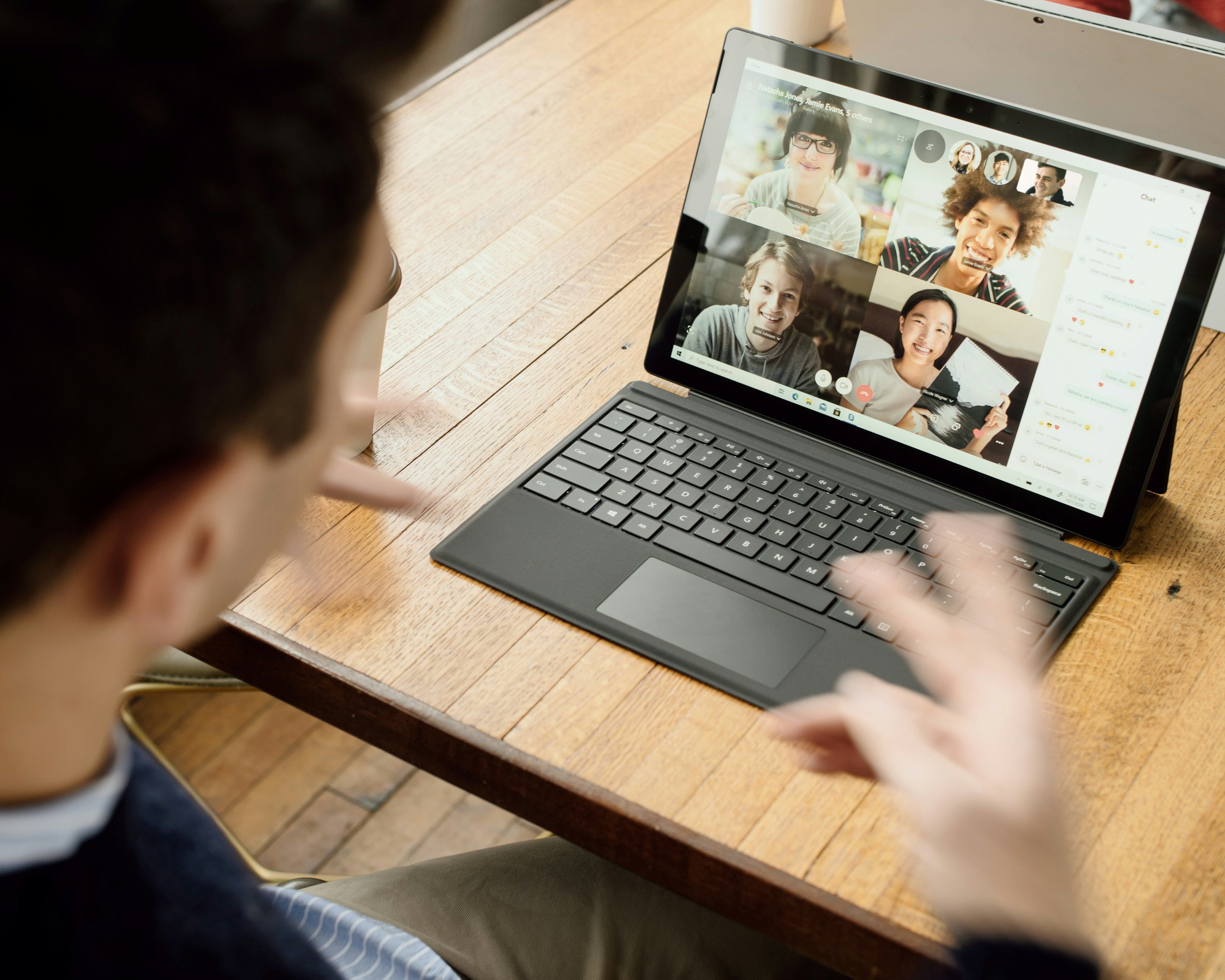
Remote collaboration has become a standard part of modern business operations. As organizations continue to embrace flexible work environments, the need for effective communication and collaboration tools has never been greater. The rise of remote work has introduced new ways for teams to connect through both synchronous and asynchronous communication. From video conferencing and messaging platforms to cloud based workflows, businesses now have access to powerful tools that improve productivity and keep distributed teams aligned. While increased efficiency is often highlighted as a key benefit of remote collaboration, there is another important advantage that deserves more attention: accessibility.
Why Accessibility Matters in Remote Collaboration
Businesses have a responsibility to ensure that their services, communication channels, and digital experiences are accessible to everyone, including people with disabilities. Legislation such as the Americans with Disabilities Act (ADA) and Section 508 of the Rehabilitation Act has helped establish standards that promote equal access to information and services. As a result, companies must carefully evaluate how their collaboration tools support accessibility. Remote collaboration technology has significantly improved accessibility for both employees and customers by providing more inclusive ways to communicate and engage.
For example:
- Individuals who are deaf or hard of hearing can communicate through video conferencing combined with real-time text chat.
- People with visual impairments can participate in inspections, consultations, and meetings through audio-based guidance and screen-reader-compatible platforms.
- Individuals with mobility challenges can engage with businesses, attend meetings, and complete tasks without the need to travel.
These advancements create opportunities for businesses to serve a wider audience while fostering a more inclusive workplace.
The Key to Effective Remote Collaboration
Effective remote collaboration requires more than just video calls and messaging apps. Organizations need tools that enable teams to communicate, share information, complete workflows, and collect data efficiently, all within a secure and accessible environment.
When evaluating remote collaboration platforms, consider whether they provide:
- Real-time communication capabilities
- Secure data collection and storage
- Accessibility compliance
- Workflow automation
- Integration with existing business systems
- Mobile and desktop compatibility
- Collaborative document and form completion
Choosing the right platform can improve team productivity while creating a better experience for customers and employees alike.
Introducing Formview Powered by Array
Formview, powered by Array, takes remote collaboration to the next level by combining live video communication with collaborative form completion. Unlike traditional video conferencing tools, Formview allows participants to complete custom digital forms together during a live video session. This creates a seamless experience for inspections, applications, onboarding processes, customer consultations, and data collection activities.
Key Features of Formview
Live Video Collaboration
Conduct high-definition video meetings while working through forms together in real time.
Custom Digital Forms
Build forms tailored to your business processes, inspections, surveys, applications, or customer onboarding workflows.
Secure Cloud Storage
All data collected during the collaboration session is securely stored in the cloud for easy access and reporting.
Workflow Automation
Automatically route completed forms, trigger notifications, and generate documents based on submitted information.
System Integrations
Connect Formview with existing business systems and software platforms to streamline operations.
Automated PDF Generation
Transform completed forms into professional, finalized documents without manual data entry.
Supporting Accessibility with Formview
Accessibility is built into the Formview experience.
Because the platform is designed to meet Section 508 compliance requirements, businesses can confidently use it to provide accessible services to a diverse range of users.
This means organizations can:
- Improve communication with customers who have disabilities
- Meet accessibility standards and compliance requirements
- Create more inclusive customer experiences
- Reduce barriers to participation and engagement
By leveraging accessible collaboration tools, businesses can better serve their communities while strengthening customer relationships.
The Future of Remote Collaboration
Remote collaboration is no longer a temporary solution it has become a core component of how businesses operate. As technology continues to evolve, organizations that invest in accessible, efficient, and user friendly collaboration tools will be better positioned to support their teams and customers. The most effective remote collaboration platforms go beyond communication. They simplify workflows, improve data collection, enhance accessibility, and create seamless experiences for everyone involved. With solutions like Formview powered by Array, businesses can collaborate more effectively, collect information more efficiently, and ensure accessibility remains a priority.
Final Thoughts
Successful remote collaboration depends on choosing the right technology. Businesses must look beyond basic communication tools and adopt platforms that support productivity, compliance, and accessibility. Formview powered by Array combines live video collaboration, custom forms, workflow automation, and accessibility compliance into a single platform—helping organizations improve communication, streamline operations, and provide exceptional experiences for both employees and customers. Ready to improve remote collaboration across your organization? Discover how Array can help your team work smarter, communicate better, and create more accessible experiences for everyone.