
Your Data. Now It Thinks With You.
BuckAI converts raw data into structured insight — extracting, visualising and automating your information in seconds.






Experience the Future of Array
Discover how BuckAI transforms images, data and forms into live insights and dashboards you can talk to.
Turn Images and Documents Into Structured Data
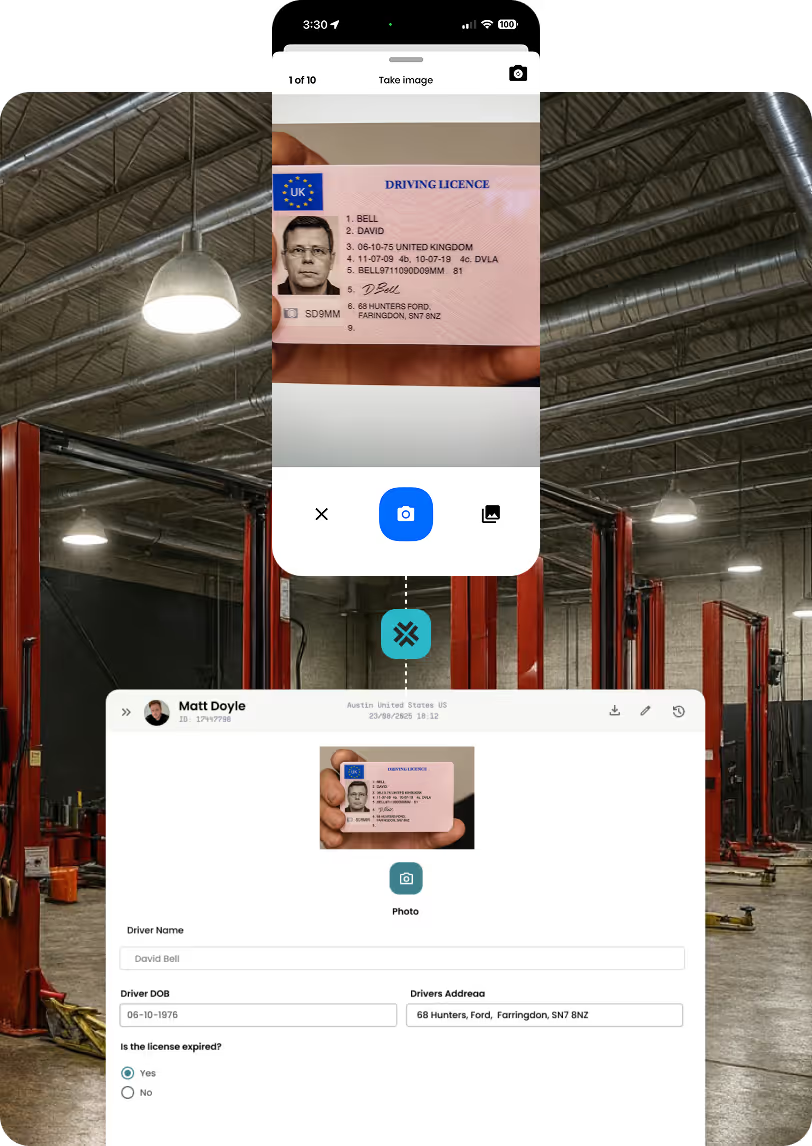
Start with what’s already live today — simply take a photo of a document, schematic, or ID and BuckAI instantly extracts the information inside. Handwritten or digital, BuckAI reads it all and converts it into structured data that automatically fills fields in your forms. No typing. No errors. Just instant, intelligent data capture.
And it goes further. BuckAI doesn’t just read information — it understands it. Dates, IDs, ages, expirations, renewal requirements, inspection intervals — BuckAI can validate and flag critical details in real time.
Whether checking if a license is expired, confirming age requirements, verifying document authenticity, or identifying when something needs re-inspection, BuckAI ensures data isn’t just captured… it’s trusted.
Real-world intelligence. Smarter workflows. Better compliance — all from a single photo.
Ask Questions. Get Answers. Instantly.
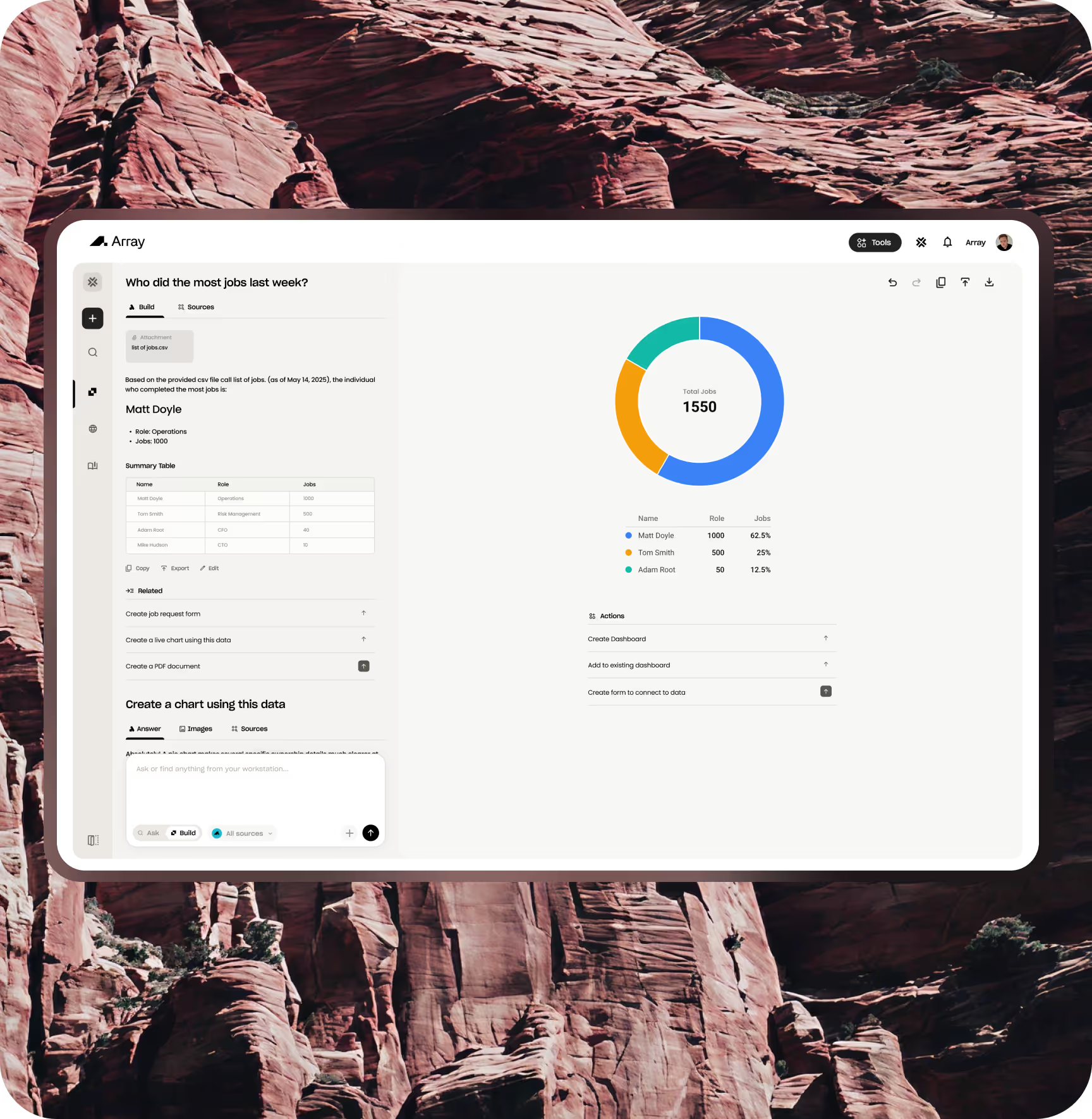
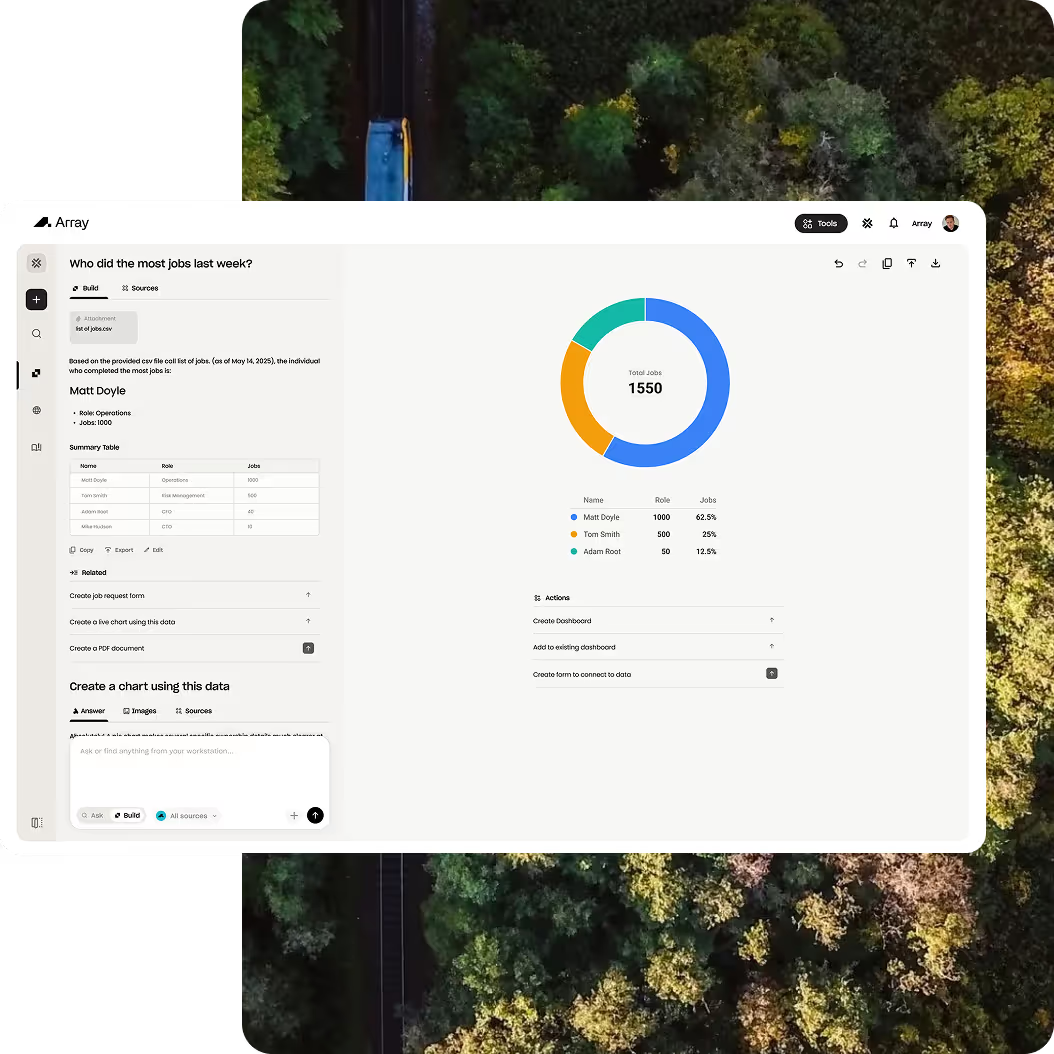
BuckAI understands natural language — so instead of sorting through spreadsheets, just ask, “How many inspections failed last month?” or “Show me sales by region.” BuckAI analyzes your submissions, forms and data sources in real time to give you clear answers, insights and summaries.

Create Dashboards That Build Themselves
Go beyond static reports. Ask BuckAI to create graphs, pie charts, or entire dashboards for you — and they stay live, automatically updating as new data comes in. Each visualization connects to your real data sources, giving you a living, breathing view of performance across your organization.
Build Forms With a Simple Prompt
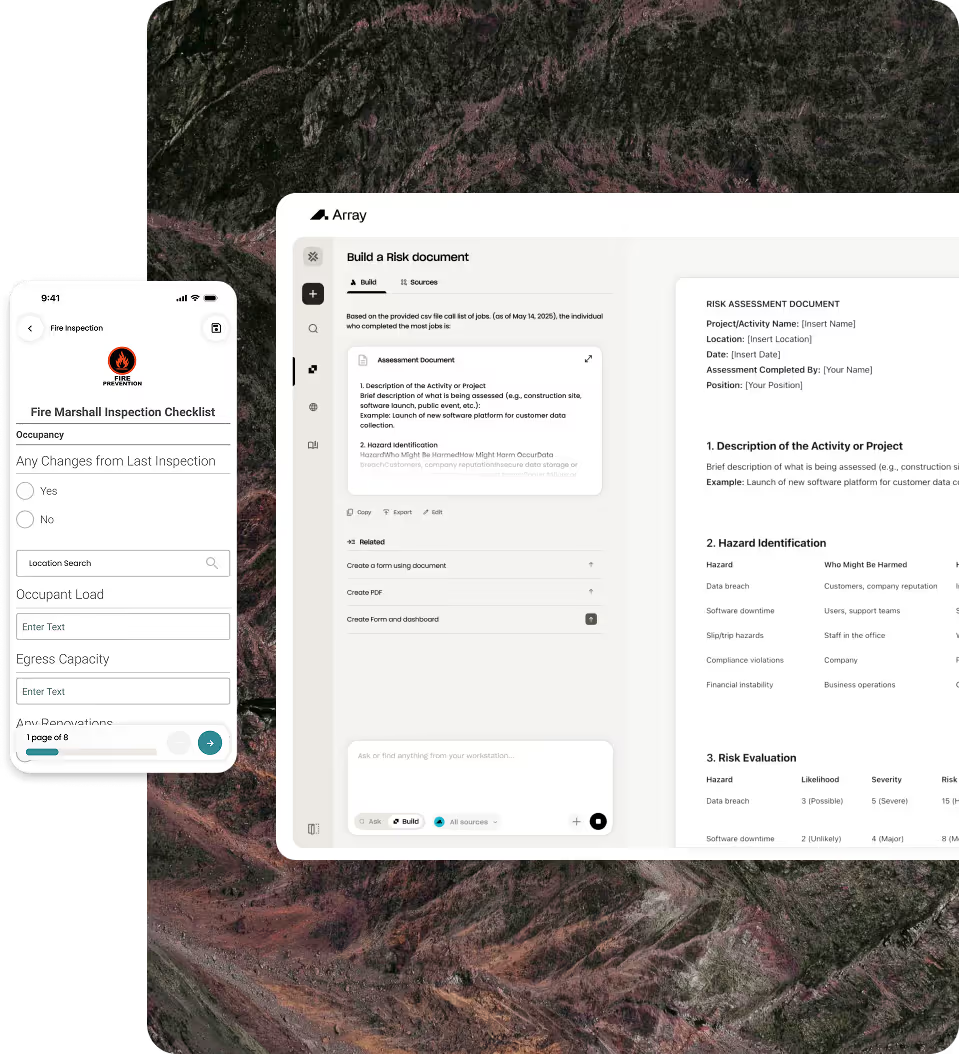
No drag-and-drop required. Just tell BuckAI what you need — “Create a site inspection form with location, signature, and photos” — and it builds it for you in seconds. Then use those forms inside your workflows, automations and reporting dashboards to keep your entire system running smarter.